STEP 01
Get RetroNexus
Download the free app from the App Store on your iPhone or iPad running iOS 16.0 or iPadOS 16.0+.
 RetroNexus
iOS 16+
RetroNexus
iOS 16+
V1.0 ON THE APP STORE
A familiar kind of fun. A whole new way to carry it. Bring your own retro game library to iPhone and iPad with RetroNexus.
LESS SETUP. MORE START BUTTON.
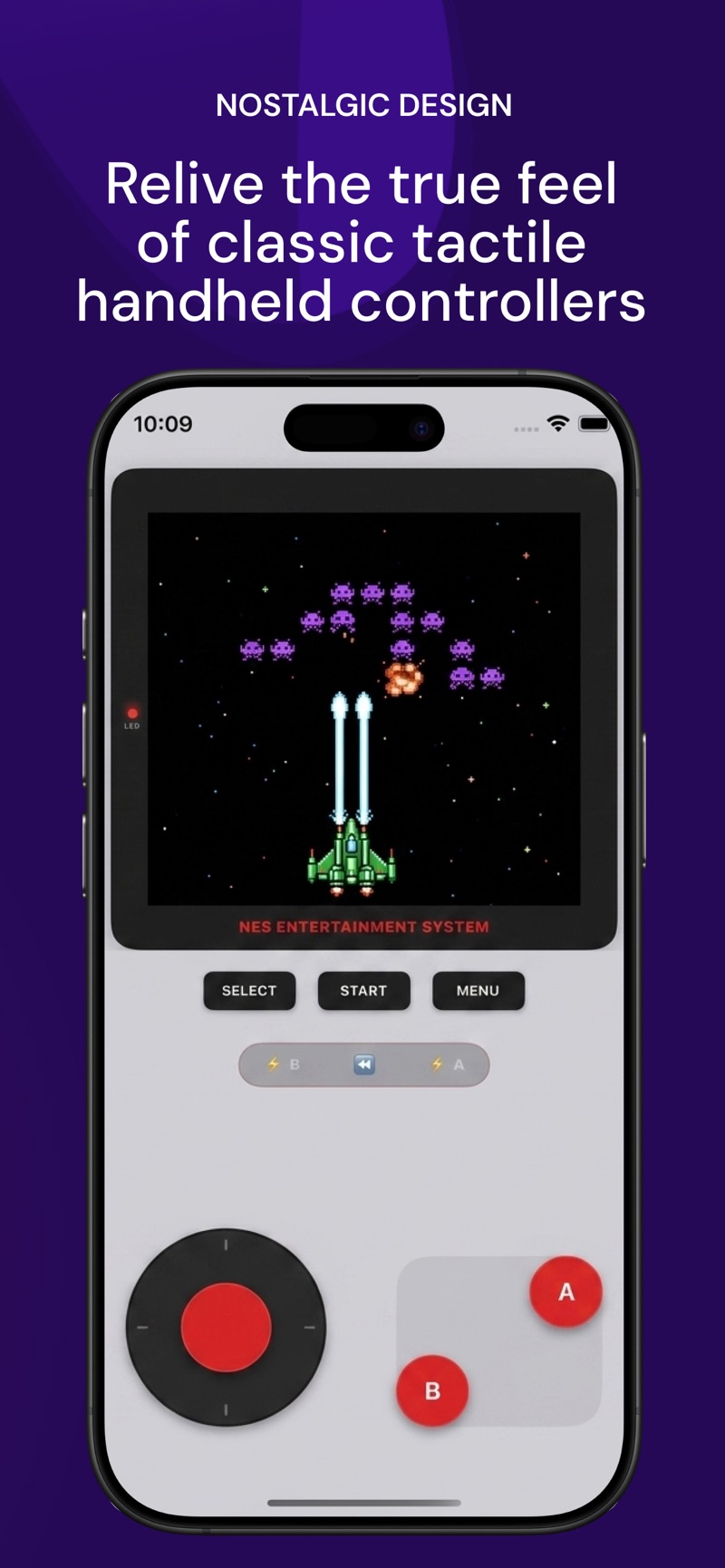
Keep the charm of the original consoles while enjoying modern conveniences: state saves, customizable themes, and smooth fast-forward.
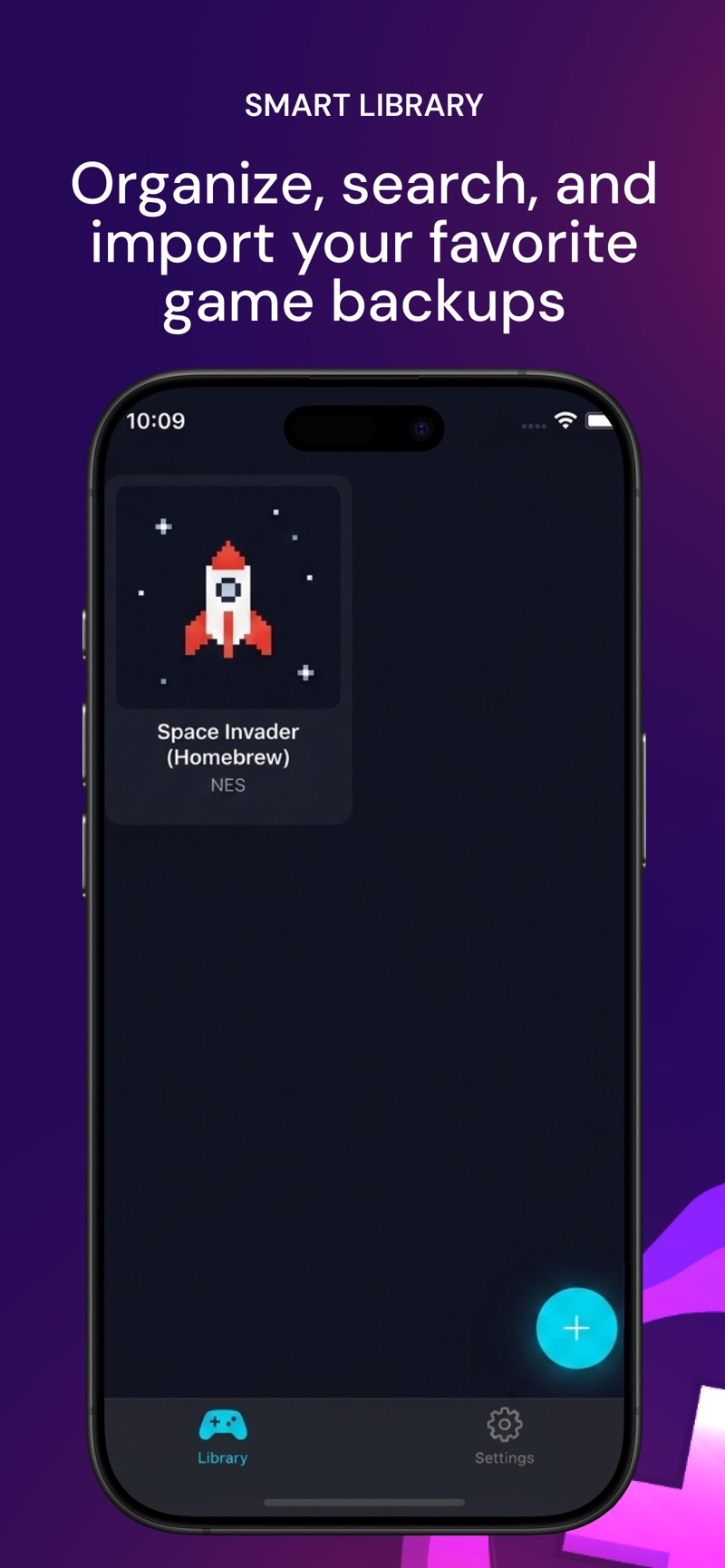
Import compatible ROM files or supported ZIP archives straight from the Files app or iCloud Drive. Organize and browse your personal collection sorted neatly by console.
Never lose your spot again. Jump back into boss fights, tough platforming jumps, or long RPGs anytime with multi-slot state management.
Pick a gamepad theme that matches your vibe: Classic Handheld, Cyber Neon, Translucent Smoke, or Clean Minimal.
Speed up unskippable cutscenes, level grinding, and slow battle animations with a single tap of the turbo trigger.
STRAIGHT FROM RETRONEXUS
A peek at the library, classic controls, premium themes, and save-state tools.
Previews represent our official App Store listing; in-app screens were captured on iOS. Appearance may vary by version. Game ROMs are not included.
LOOKING GOOD. PLAYING YOUR WAY. ↗A LITTLE SETUP, A LOT OF POSSIBILITY
Download the free app from the App Store on your iPhone or iPad running iOS 16.0 or iPadOS 16.0+.
Save your legally obtained, compatible ROM file to the iOS Files app or iCloud Drive (.nes, .gba, .gb, .zip).
Tap Import Game ROM in your RetroNexus library, select your file, settle into your favorite gamepad skin, and enjoy.
Your collection starts with you. RetroNexus does not supply, bundle, or host ROMs, commercial game downloads, or software catalogues. Always use files you have legal permission to use.
BEFORE YOU PRESS START
Have a question that isn't answered here? Reach out to support anytime.
No. RetroNexus is an emulator designed to run your own backup ROM files. You import legally obtained, compatible game files from Files. Neither the app nor this website provides game ROMs.
RetroNexus supports 8 major classic systems: NES, SNES, Game Boy, Game Boy Color, Game Boy Advance, Sega Genesis, PlayStation 1 (PS1), and CHIP-8. Compatibility depends on the specific game file and core.
Yes. PlayStation 1 emulation requires an authentic 512 KB PS1 BIOS dump (such as scph5501.bin). You can download it directly in Safari and import it in under a minute via Settings → Import PS1 BIOS. Read our full PS1 BIOS Setup Guide.
We provide a curated list of trusted, community-standard sources including RomsGames.net, PS1 Emulator BIOS Hub, CDRomance, and itch.io. Explore our Recommended ROM & BIOS Sources.
Yes! RetroNexus runs natively on both iPhone and iPad with full landscape and portrait layout adaptations on iPadOS 16.0 or newer.
Yes, RetroNexus is free to download and play. Optional in-app purchases are available to unlock extra premium gamepad skins and advanced customization tools.
Supported single-file ZIP archives can be imported directly. For PS1 games with multiple .bin tracks and a .cue sheet, zip them together into one archive before importing.
Ensure the file format is supported and complete. For PS1, ensure you have imported the BIOS in Settings. Check our Support page for full troubleshooting steps.
A LITTLE NOSTALGIA GOES A LONG WAY
Free download for iPhone & iPad · Requires iOS 16.0 or later · Bring your own legally obtained games